Transforming Entities
Transforming entities refers to moving, rotating, or scaling them, which is an important part of the level-editing process.
Position Manipulation
- Select the entity you’d like to move by pressing Shift+left-click.
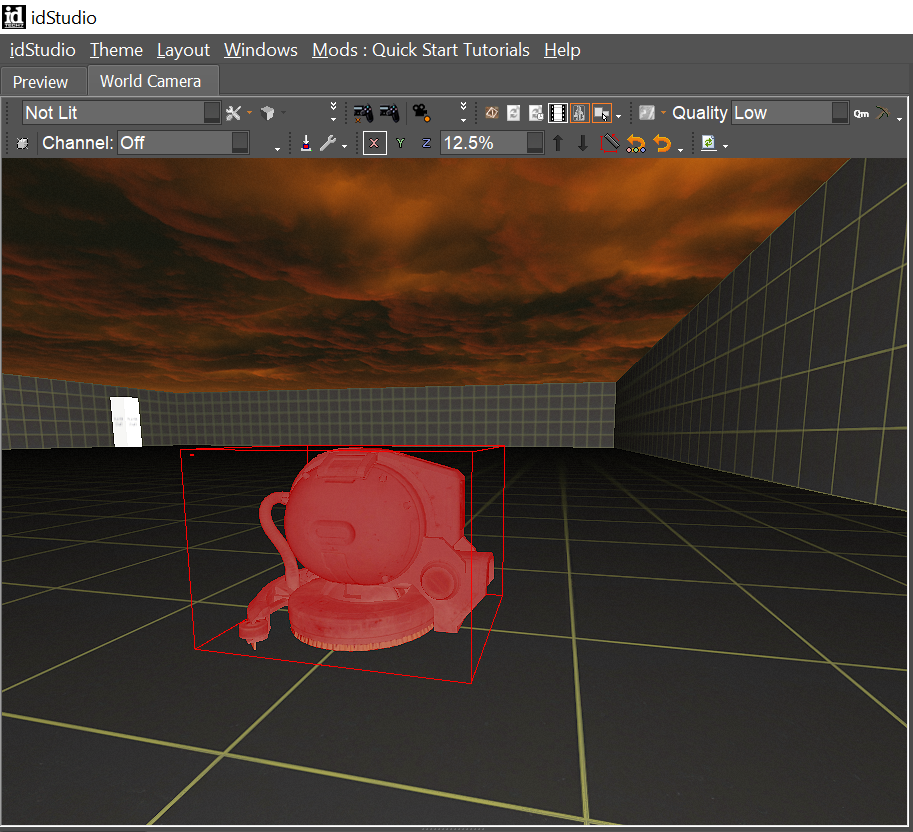
- Hit the W key to bring up the position manipulator.
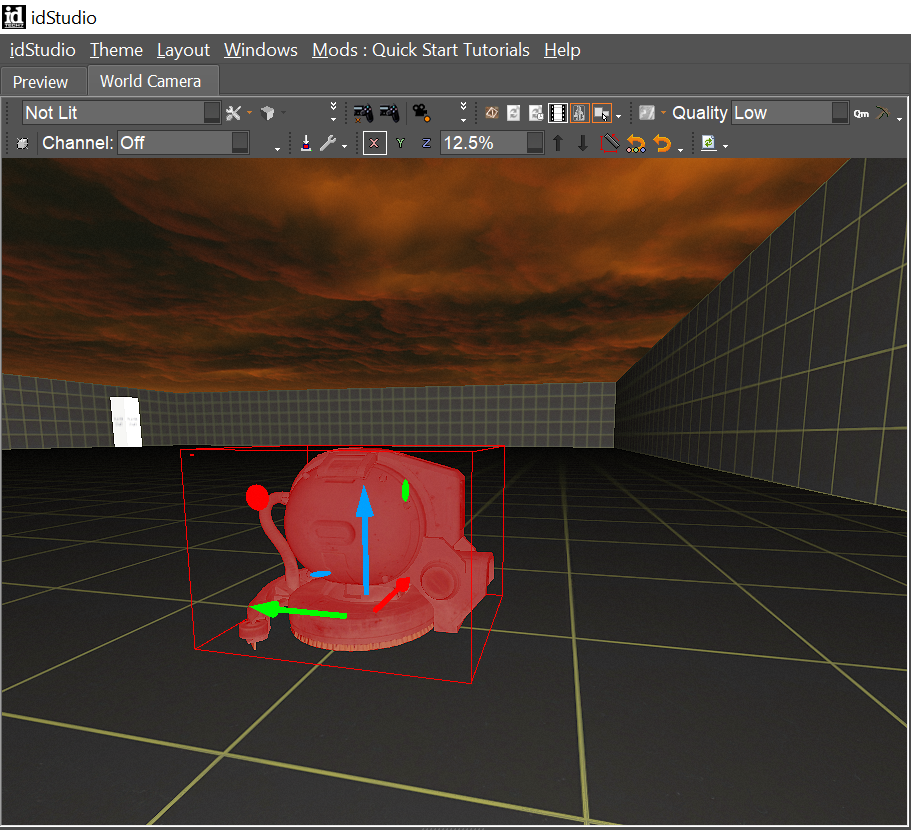
- Use the arrows to move the entity alone the X, Y, and Z axes.
Rotation Manipulation
- Select the entity you’d like to move by pressing Shift+Left-click.
- Hit the E key to bring up the rotation manipulator.
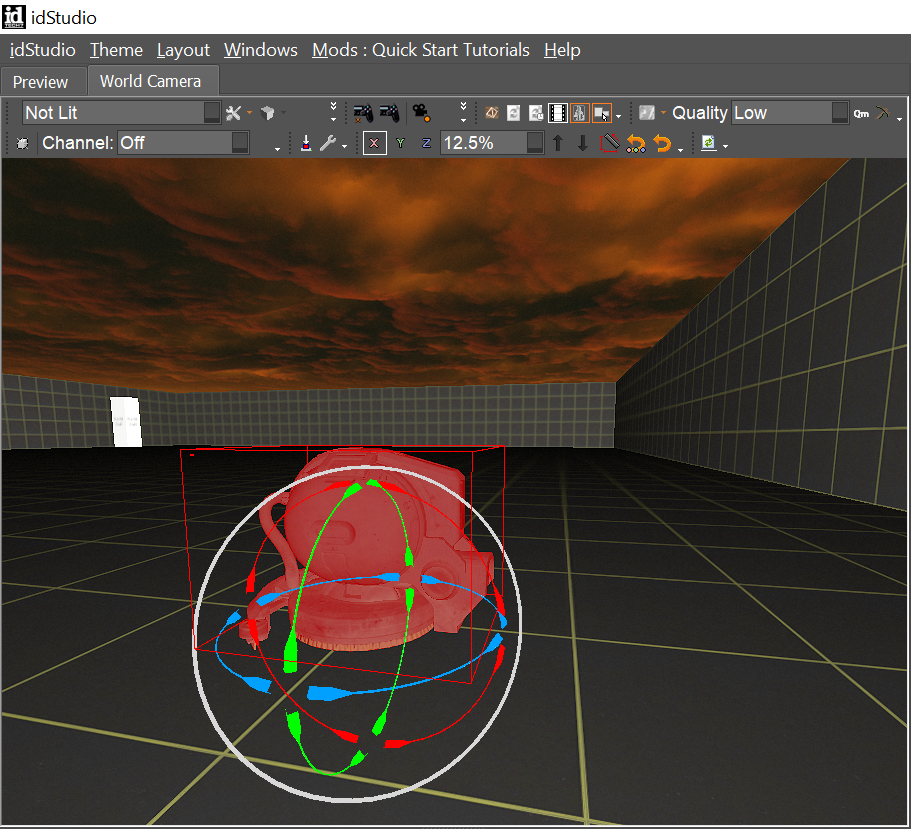
- Use the arrows to manipulate pitch (red), yaw (blue), and roll (green).
- You can also use the screen space to rotate in the same plane as the camera.
Scale Manipulation
- Select the entity you’d like to move by pressing Shift+Left-click.
- Hit the R key to bring up the scale manipulator.
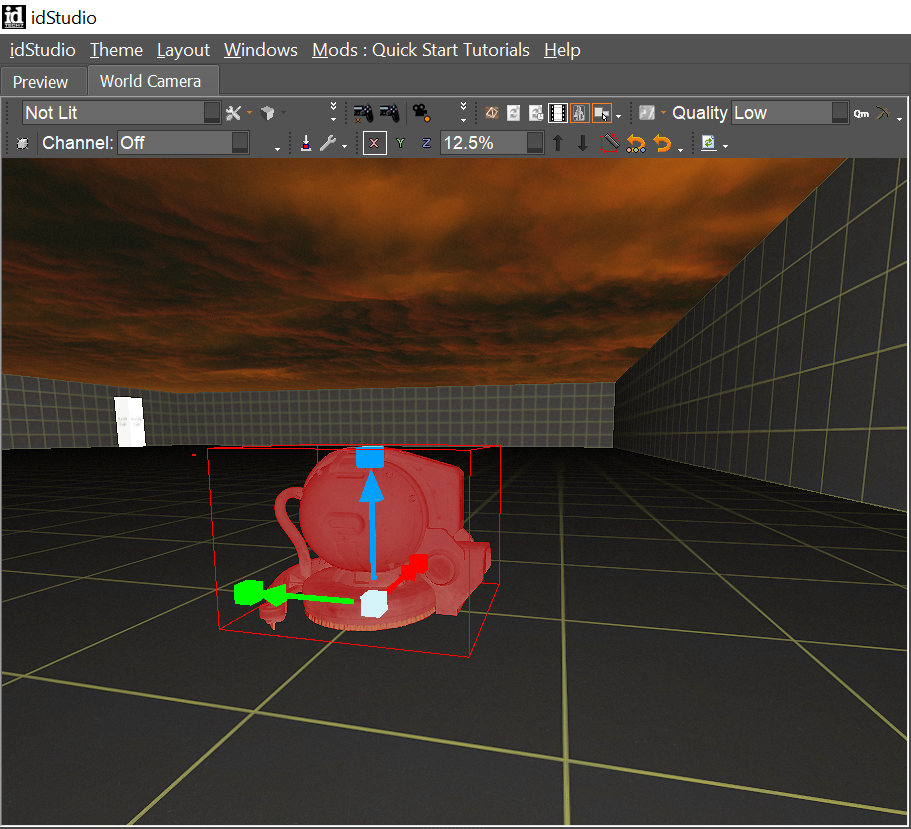
- Use the arrows to scale along the X, Y, and Z axes.
tip
For uniform scale manipulation, click the center of the scale manipulator and drag.