Placing Entities
At the most fundamental level, an entity is any object that you can place in a map. This page will show you the various ways to place those entities inside your level (map).
To build your desired environment or populate the world inside your map, you must place entities in the map. You can do this in two different ways, both of which result in a new instance of the entity being created. Each entity in the map can then be moved around or have its properties modified.
Placing Entities Using the Context Menu
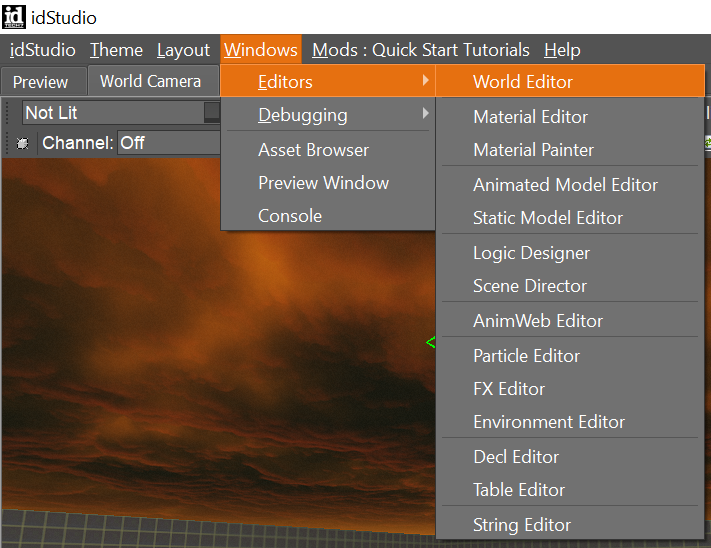
- Open the World Editor (Windows menu → Editors → World Editor).
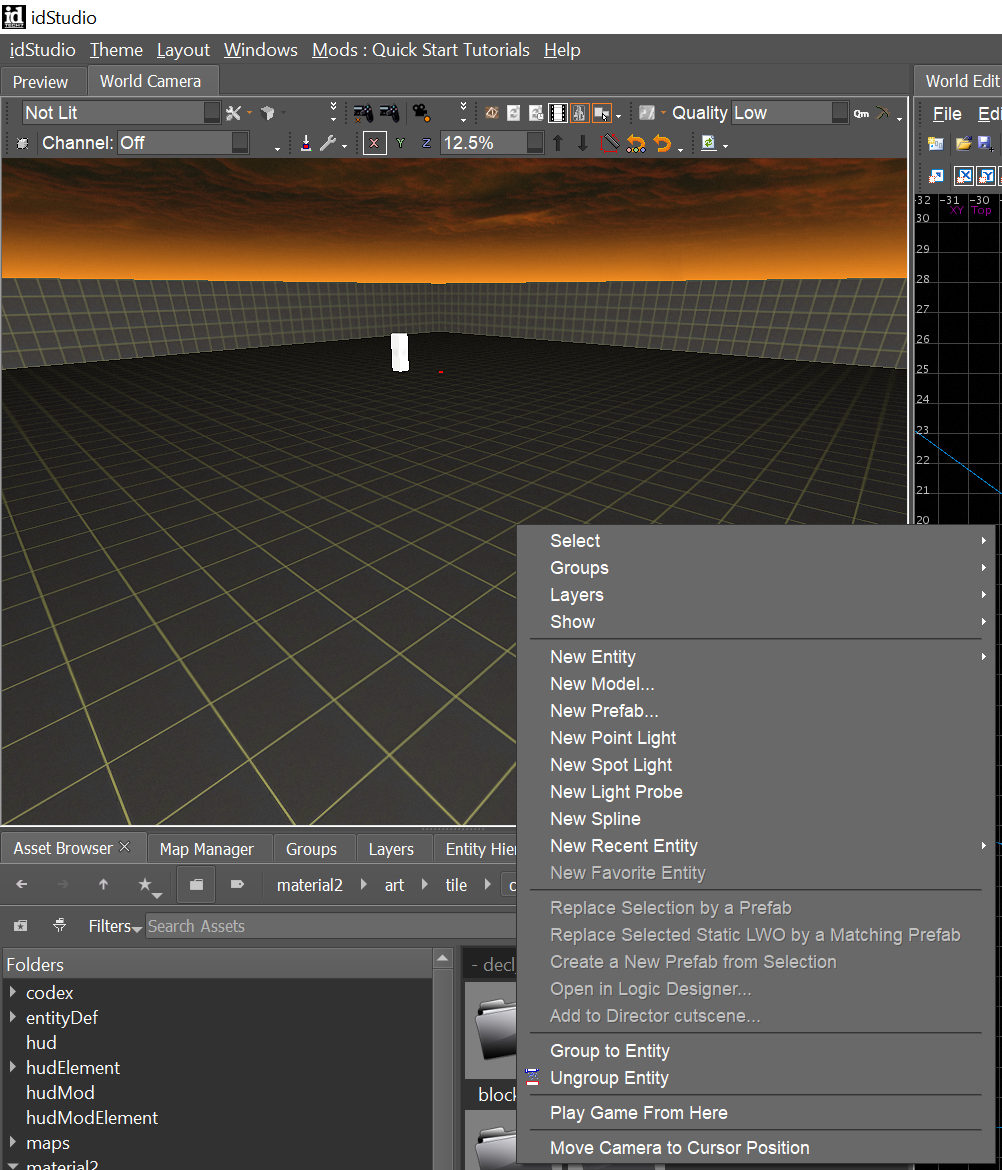
- Right-click in the World Editor viewport to open the Context menu.
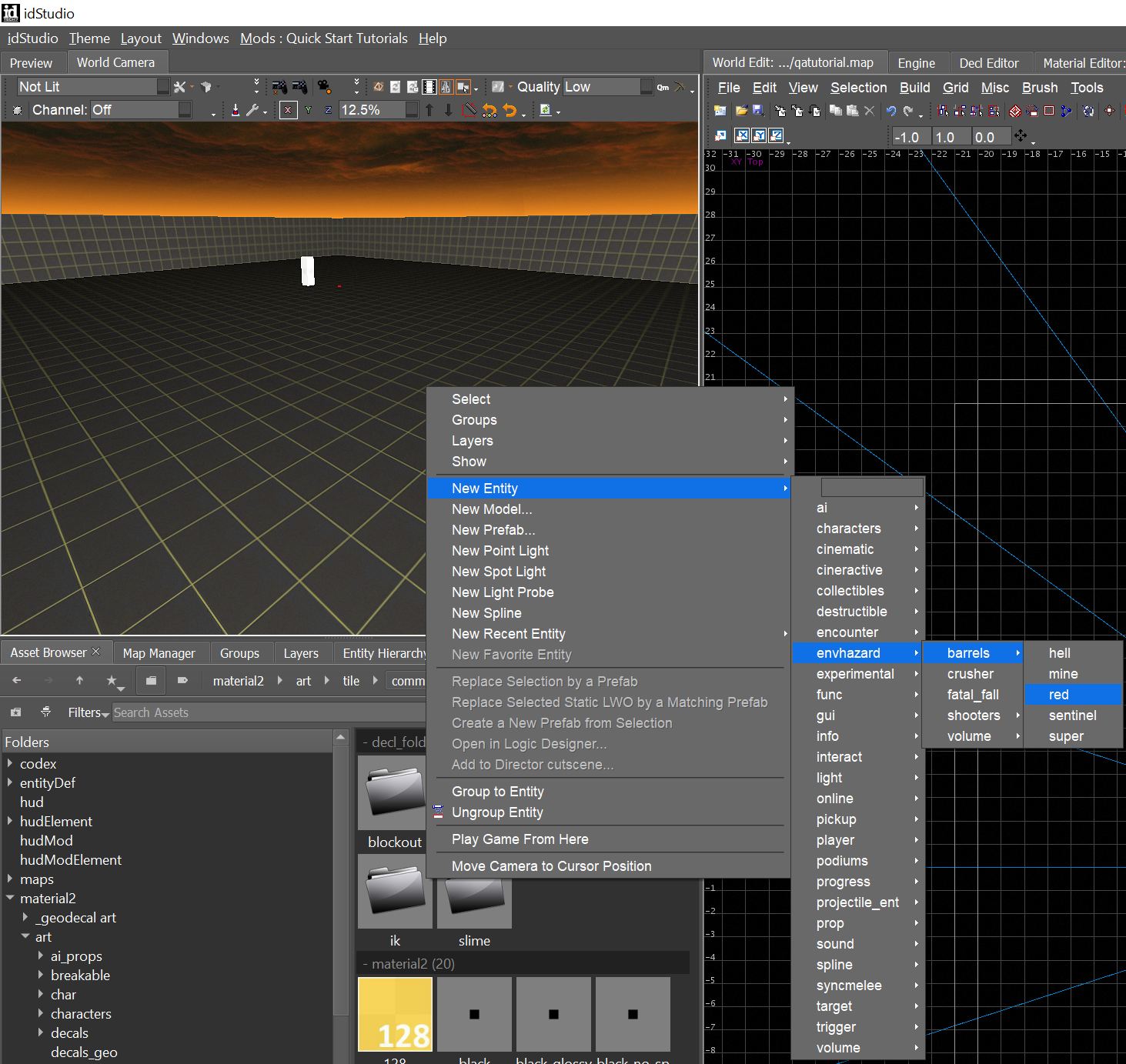
- Select New Entity → ((
entity type)).
Placing Entities Using the Asset Browser
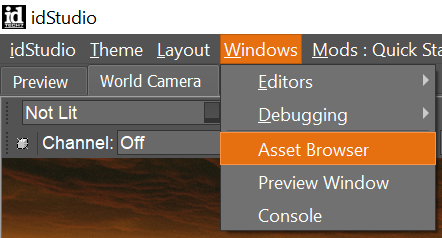
- Open the Asset Browser (Windows menu → Asset Browser).
-
Navigate the asset folders to locate the entity you’d like to add to your map.
- For example:
model/files/art/kit/cultist/prop/doomba_bot_a.lwo
- For example:
-
Click the entity then Drag+Drop it into the map to place it.
Duplicating Entities
- Shift+click to select the entity you’d like to duplicate.
tip
You can select multiple entities by using Shift+click to select multiple entities or Shift+Left-click+drag over entities.
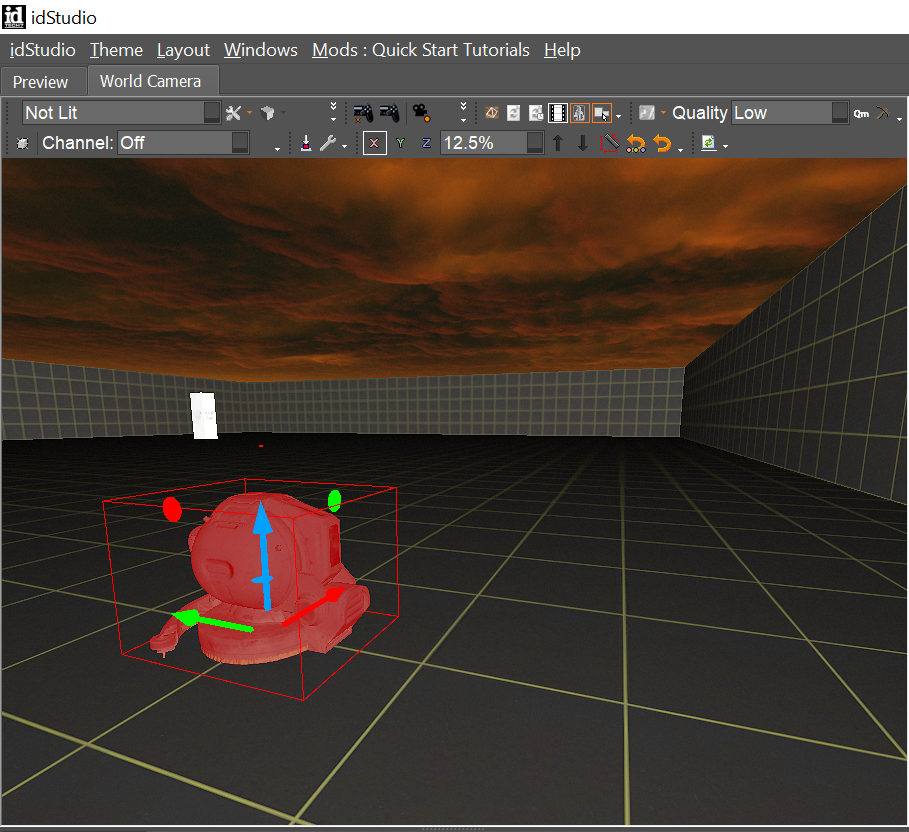
2. With the entity (or entities) selected, hit Spacebar to duplicate.