World Editor & World Camera
The World Editor is the primary editor for constructing gameplay levels and is the first thing that opens when you create or open a project in id Tech. With this editor, you can easily create maps by drawing brushes, adding different types of entities, and adding gameplay elements like triggers.
To open the World Editor, simply go to Windows → Editors → World Editor. Once you've opened the World Editor, you'll see a 2D view of your map that you can switch between using the X, Y, and Z axes. You'll also see the World Camera, which provides a 3D view of your map.
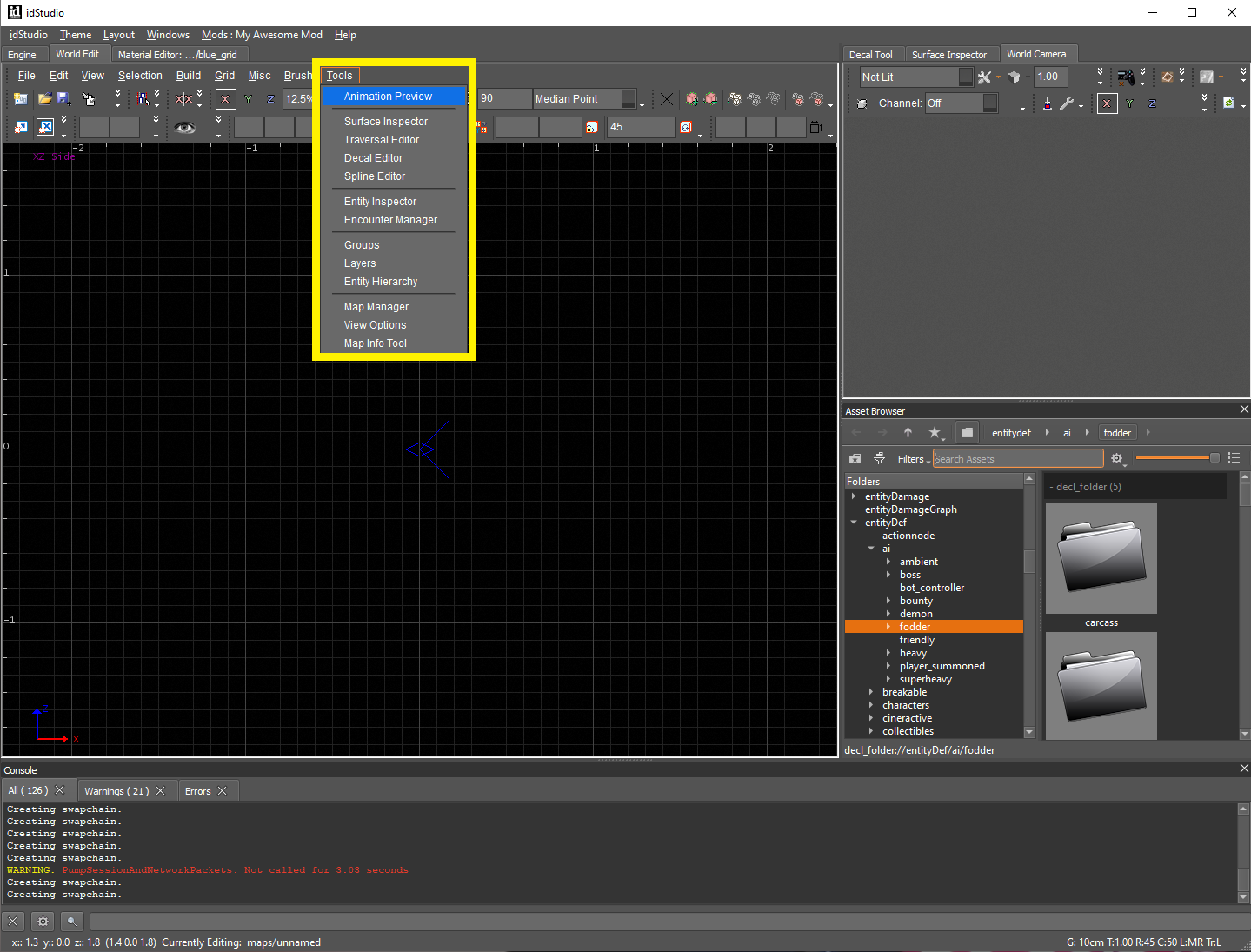
In addition to the standard tools found in the World Editor, you'll find additional tools specific to world building in the Tools menu.
Main Toolbar
- New
- Open
- Save (Current Map)
- Undo
- Redo
- Copy Camera Location