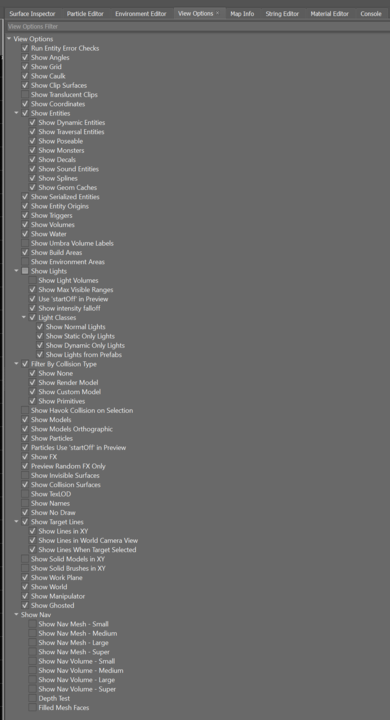
View Options
The View Options tool is accessed by clicking the Tools menu inside World Editor and selecting View Options. It provides all of the rendering settings (displayed as toggles) for the viewport.
Hovering over the options will provide a description of each.
info
Use this tool to display things like nav mesh and target lines in your map.
The View Options tool provides you with the ability to toggle viewing of things like:
- triggers
- volumes
- water
- lights
- particles
- effects
- entity names
- collision
- world edit grid
- nav mesh types
- target lines
- coordinates
- names
- ghosted entities