Projectile Sound Effects
A quick guide to adding and changing projectile sound effects.
Player Weapon Sound Effects
Firing and Explosive Sounds
Attaching firing and explosive sound effects to a weapon is done in the weapon's projectile decl.
Weapons decls can be found by going to: Asset Browser → projectile → projectile → player → [SELECT A WEAPON]
- Find the weapon’s projectile decl in Asset Browser. Double-click the listing in Asset Browser to open it in the Decl Editor.
- Search sound in the Search Bar at the top of the Decl Editor. (This will help you find the relevant parameters.)
- Useful parameters for setting up a projectile sound:
- Fire Sound Start – Sound played when a projectile is fired from the weapon.
- Explode Sound – Sound played when the projectile impacts anything.
- Fly Sound – Looping sfx that travels with the projectile in air.
Use the selector box for for each parameter to link a sound event.
Mechanical Weapon Sounds
Mechanical weapon sounds are generally placed on the animations for said weapons (such as reloading, dry fire, moving parts, etc.).
For more information, see: Animation Sound Effects
AI Projectile Sound Effects
Attaching firing and explosive sound effects to enemy AI is done in the AI’s projectile decl.
AI projectile decls can be found by going to: Asset Browser → projectile → projectile → ai → [AI TYPE] → [AI ATTACK]
- Find the AI’s projectile decl in Asset Browser. Double-click the listing in Asset Browser to open it in the Decl Editor.
- Search sound in the Search Bar at the top of the Decl Editor. (This will help you find the relevant parameters.)
- Useful parameters for setting up a projectile sound:
- Fire Sound Start – Sound played when the specific projectile is fired.
- Explode Sound – Sound played when the projectile impacts anything.
- Fly Sound – Looping sfx that travels with the projectile in air.
- Whiz By Sound – Sound that plays when the projectile flies very close to the players head.
Use the selector box for for each parameter to link a sound event.
Impact Sound Effects
Impact Effect tables are decls that determine the effects played when a projectile makes impact with various material types. Impact Effect tables are tied to the projectile decl.
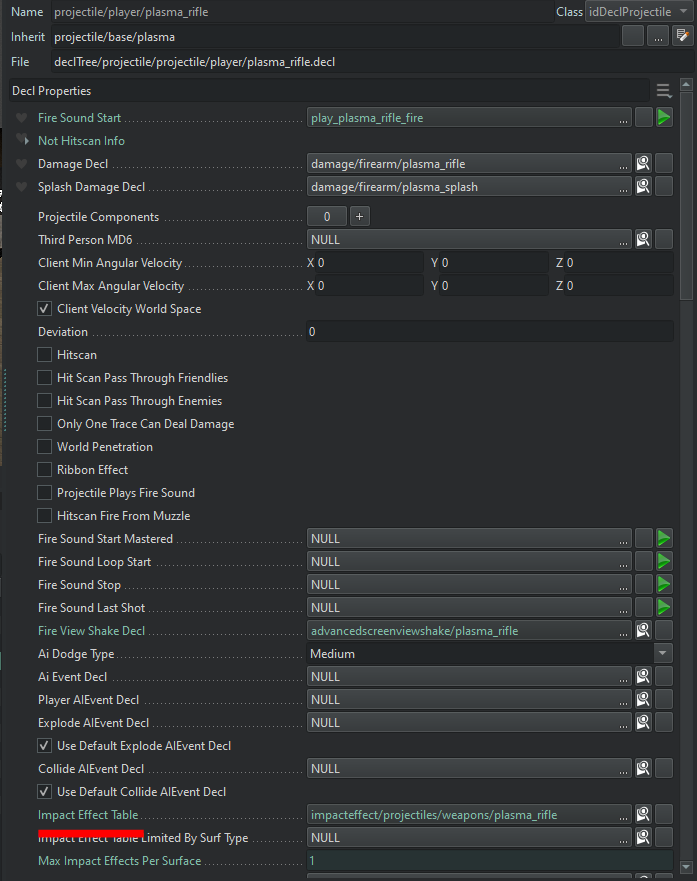
- Go to the weapon projectile decl in Decl Editor. Scroll down to the Impact Effect Table parameter. Click the magnifying glass to jump to the impact effect table options in Asset Browser, or simply assign one here.
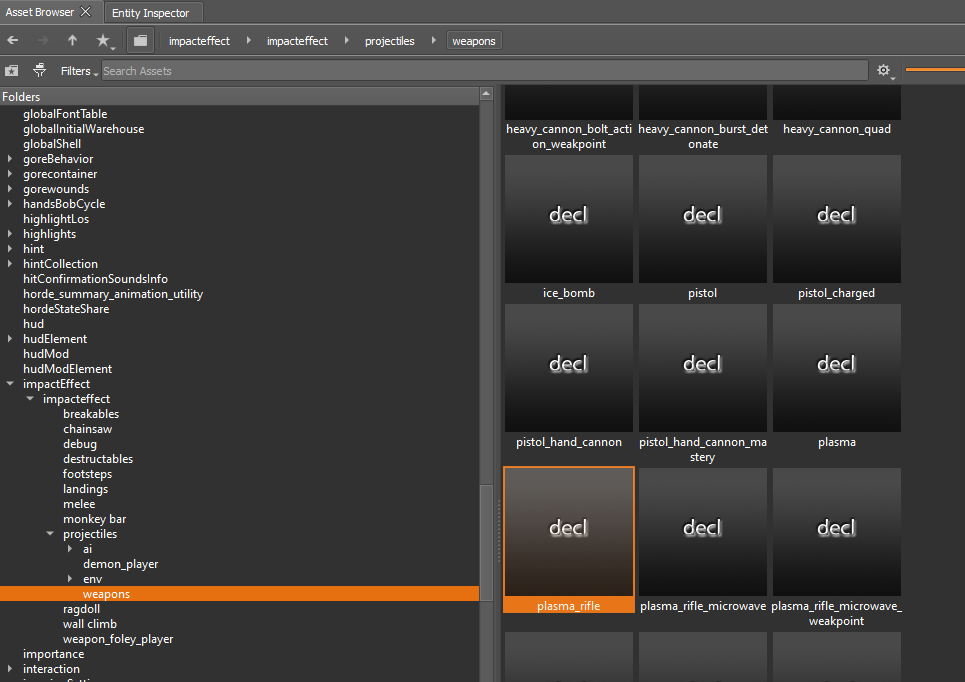
- Impact Effect Tables for projectiles are located in the Asset Browser: impactEffect → impacteffect → projectiles
The Impact Effect Tables contains drop down options for different types of materials that the projectile can impact.
The Default Effect includes the effects that will play unless other material options are specified.
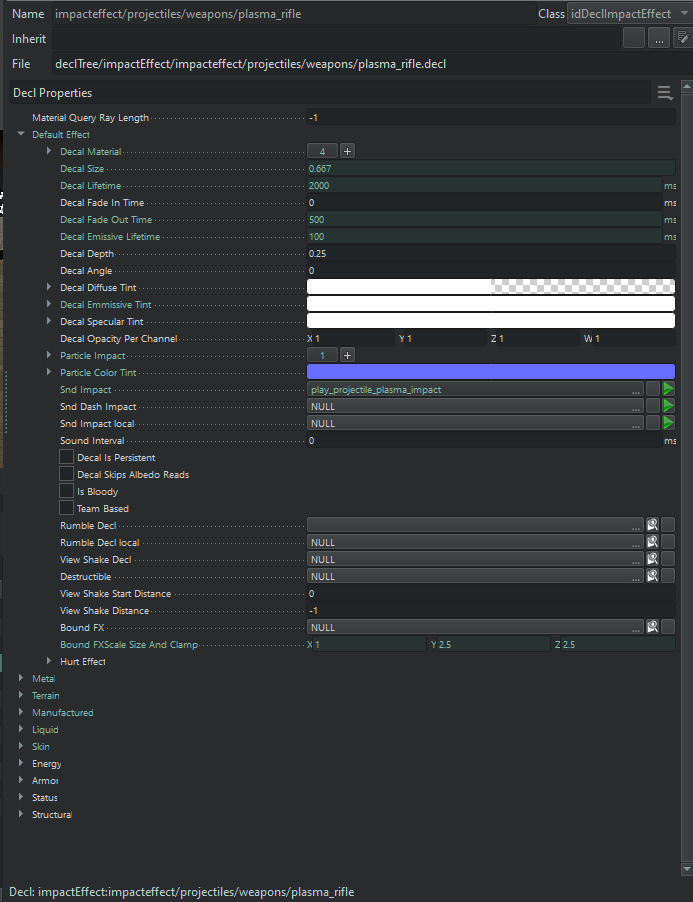
3. Add a sound event to the Snd Impact parameter of each material that you would like to sound different from the default.
4. Ensure that the Impact Table is tied to the weapon projectile decl:
- Go to the Impact Table parameter in the weapon projectile decl.
- Click on the decl picker field and select the Impact Table you just edited.