Material Remapping
Material remapping is the process of applying materials to a model or asset in the engine that differs from what is assigned or applied on export.
Procedure
- Open the model that you’d like to change materials on in Entity Inspector.
- select the model in World Editor and then open Entity Inspector
- find the model in Asset Browser and use the Right-click context menu to select Edit
- In Entity Inspector, find Render Model Info → Material Remap
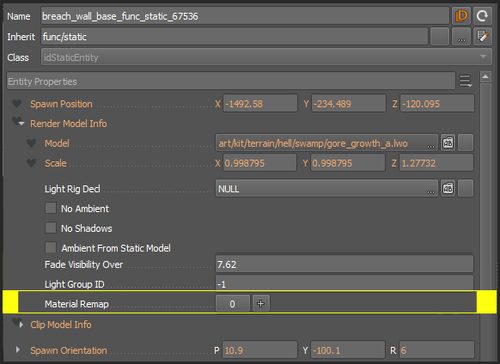
- Add a new remap by selecting the + button.

info
This will open new material remap options
- FROM – This is the material that is already applied on export you wish to replace
- TO – This is the new material you wish to swap to.