Tutorial - Hello World
In this tutorial we will create a simple script which prints a message to the log when the map is loaded.
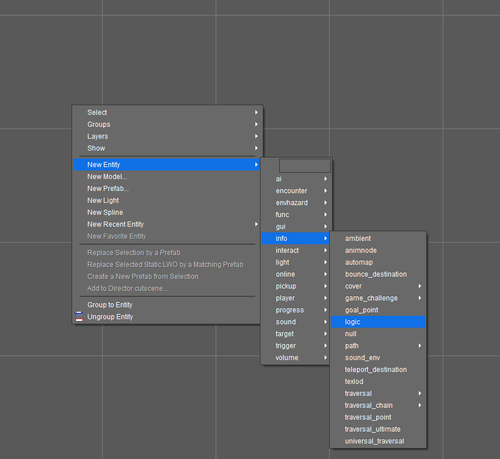
- Start by placing a new logic entity in a map. Open the entity's logic decl from either the entity inspector or by clicking Select Entity in logic designer.
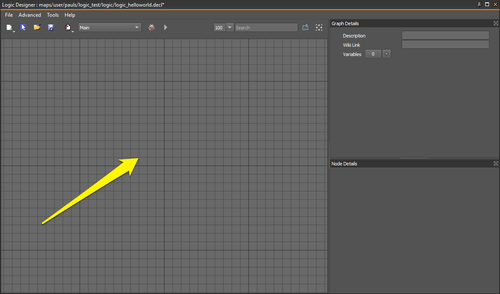
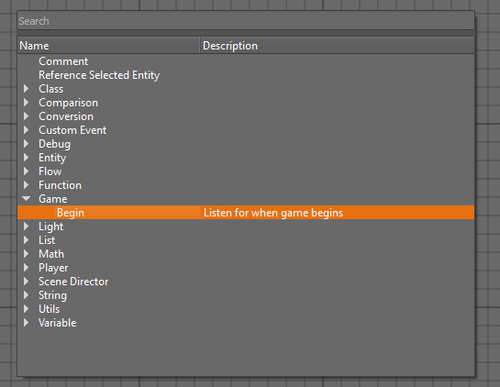
- You should now see a blank graph. Right click anywhere on the graph and select the Game / Begin node from the menu.

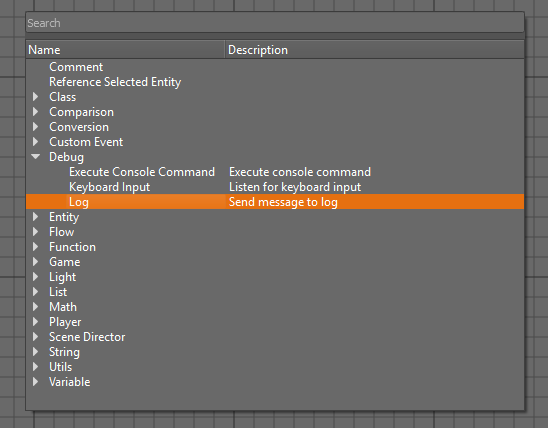
- Right click again and select the Debug / Log node.
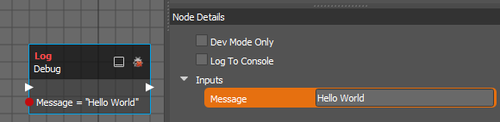
- Select the new Debug / Log node and set the Message input.

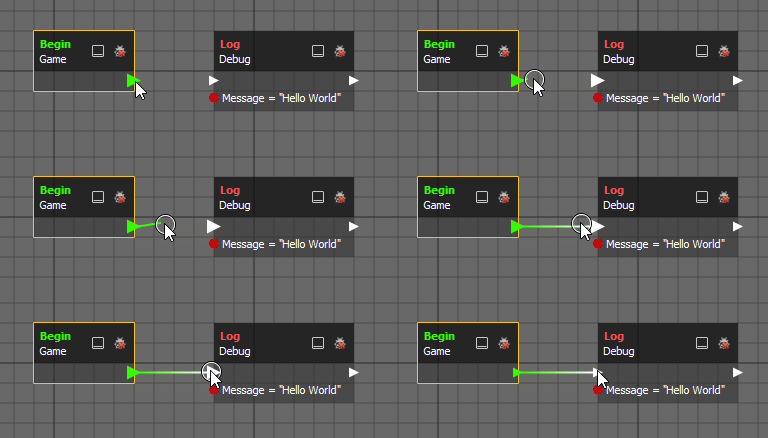
- Drag a link from the Game / Begin node to the Debug / Log node.
- Save and then launch the map. You should see the message "Hello World" output to the console/log.
