List Operations
Below is a detailed list of the current list operations that can be used to surface or manipulate lists of data of the same type in Logic Designer.
Logic Designer list operations
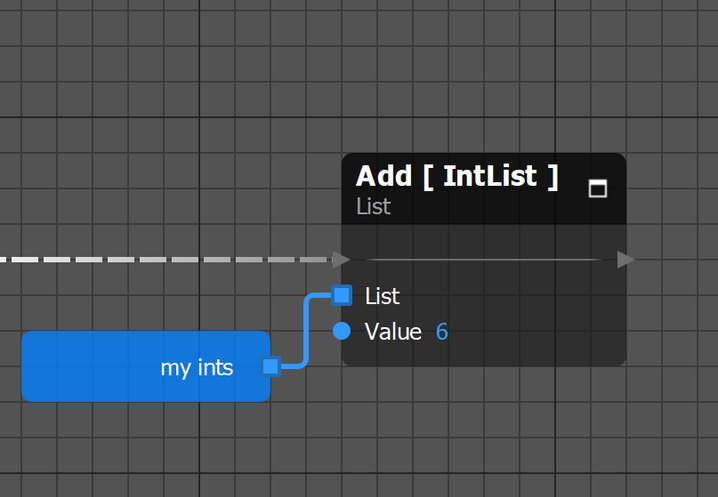
Add
The Add node takes in a list and a variable, inserting the variable at the end of the list and increases the size of the list by 1.
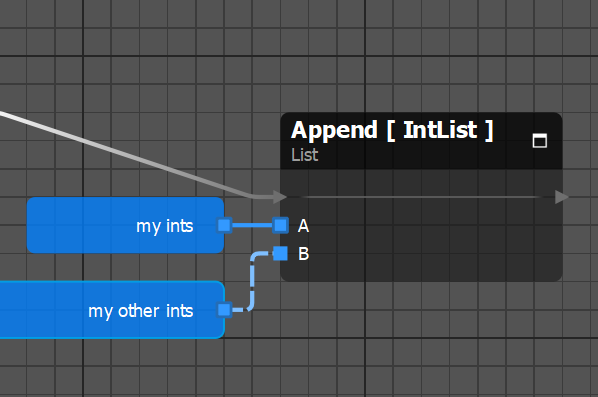
Append
The Append node takes in two lists and adds the contents of list B to the end of list A increasing the size of list A by the number of items in list B.
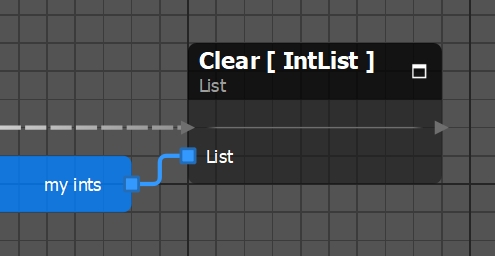
Clear
The Clear node empties the contents of a list reducing it to a size of 0.
Combine
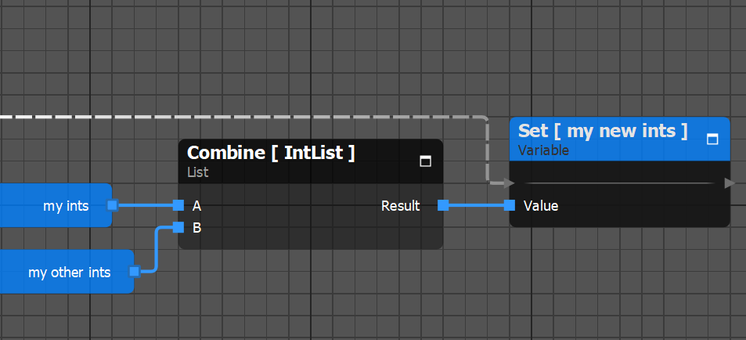
The Combine node takes two lists of the same type and creates a new list by adding the contents of list B to the end of list A. List A and B are left unchanged.
For Each
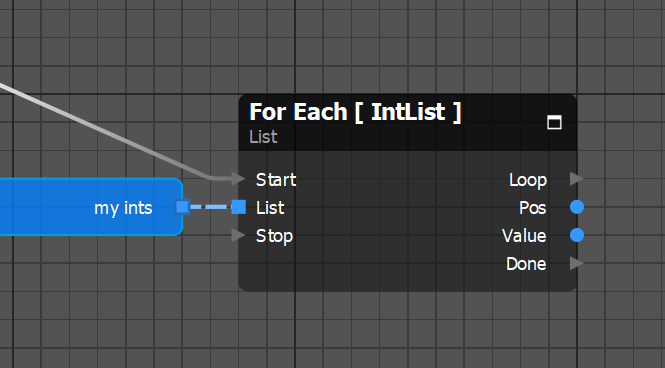
The For Each node takes in a list. The Loop event pin will fire for each item in list starting with index 0 and outputs the position in the list and value of each item. The Done event pin will fire after the last item of the list has been looped through.
Get
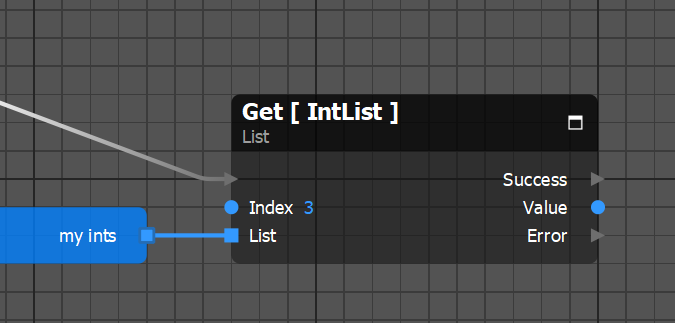
The Get node takes in an integer and a list and returns the value of the item found at the index number of the integer. The Error pin will fire if the index is outside of the range of the list or if the list is empty.
Get Random
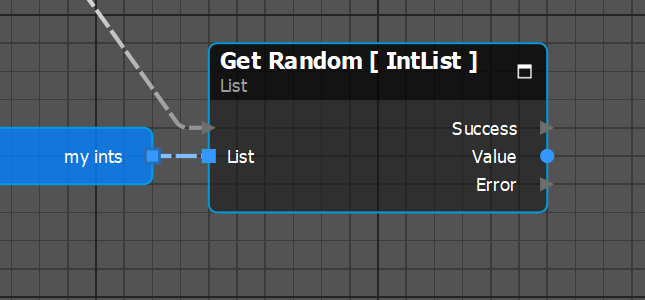
The Get Random node takes in a list and returns the value of an item at a random index in the list. The Error pin will fire if the list is empty.
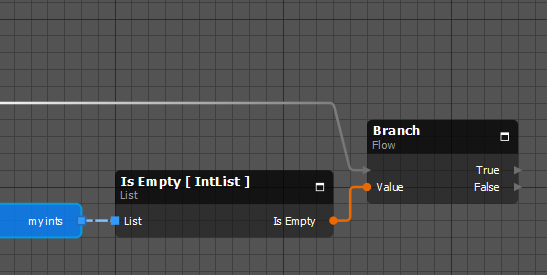
Is Empty
The Is Empty node takes in a list and returns whether or not it is empty with a boolean.
Iterate
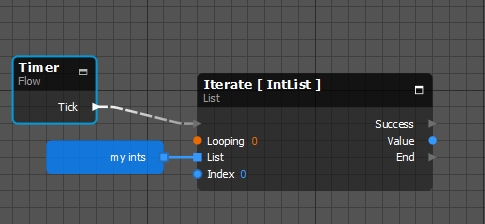
The Iterate node takes in a list and an integer variable and returns the value of each item with sequential activations starting with the index specified by the integer.
It also takes in a boolean variable to specify if the node should repeat this cycle.
The End pin fires once the list has been iterated through.
If Looping is set to true, the End pin will not fire.
Length
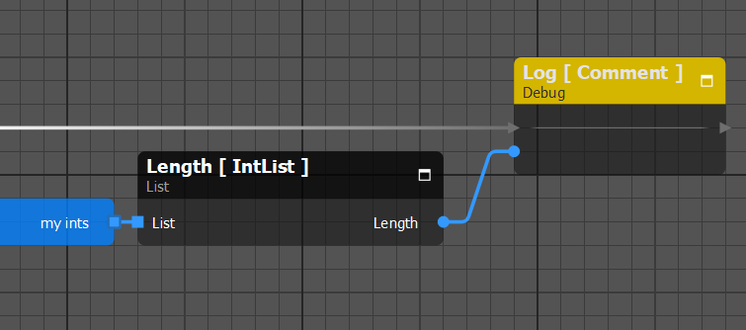
The Length node takes in a list and returns the number of items in the list.
Pop Back
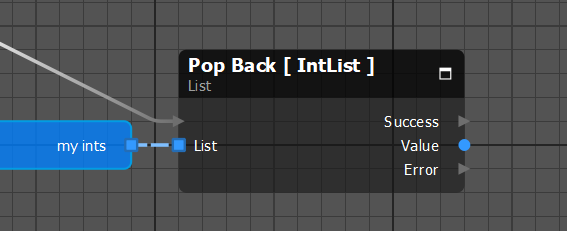
The Pop Back node takes in a list and returns the value of the last item in the list. This item is removed from the list reducing it’s size by 1. The Error pin will fire if the list is empty.
Pop Front
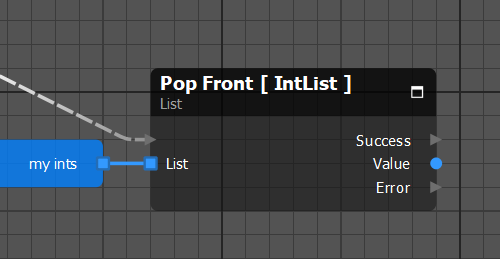
The Pop Front node takes in a list and returns the value of the first item in the list. This item is removed from the list reducing it’s size by 1. The Error pin will fire if the list is empty.
Remove by Index
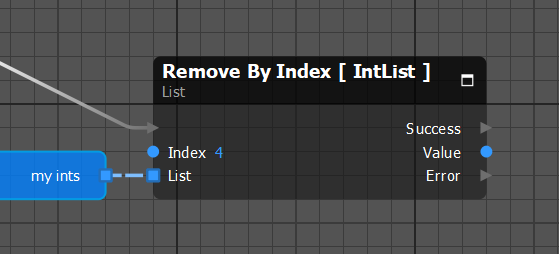
The Remove By Index node takes in a list and an integer and returns the value of the item at the index specified by the integer. This item is removed from the list reducing it’s size by 1 and moves any items at a higher index of the removed item down in the list. The Error pin will fire if the specified integer is outside of size of the list or if the list is empty.
Remove by Value
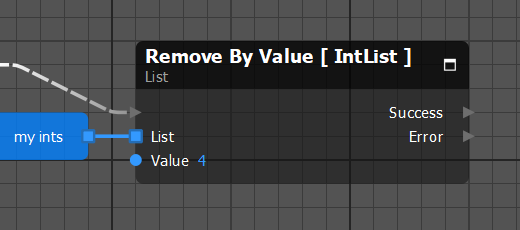
The Remove By Value node takes in a list and a variable of the same type as the list. The first item in the list with a value equal to the specified variable will be removed reducing it’s size by 1. Any item above the index of the removed item will be moved down in the list. The Error pin will fire if there is no item of the specified value in the list or if the list is empty.
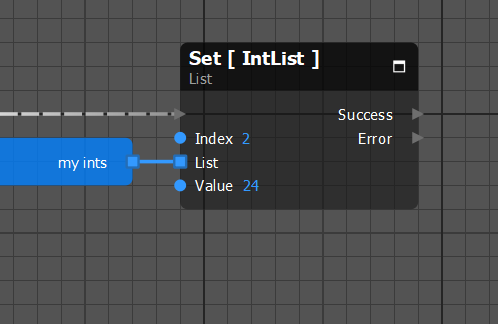
Set
The Set node takes in a list, an integer, and a variable of the same type as the list. The item at the index specified by the integer will be replaced with the value of the specified variable. The size of the list is unchanged. The Error pin will fire if index specified is outside of the range of the list.