Best Practices
Name Inline Variables

Delay Loops vs Timers
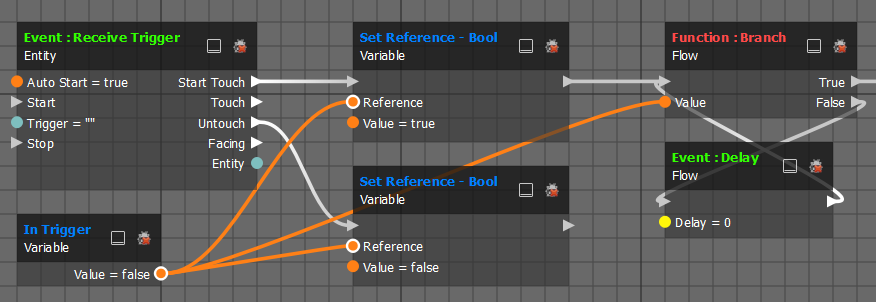
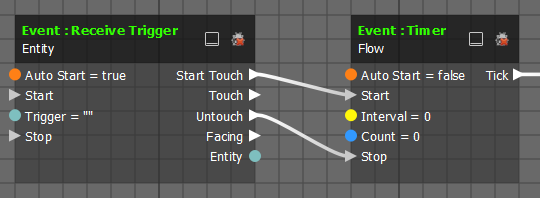
Rather than using a delay node to create loops you should instead opt for a timer node, it's both cleaner and more efficient.
Comment Graphs
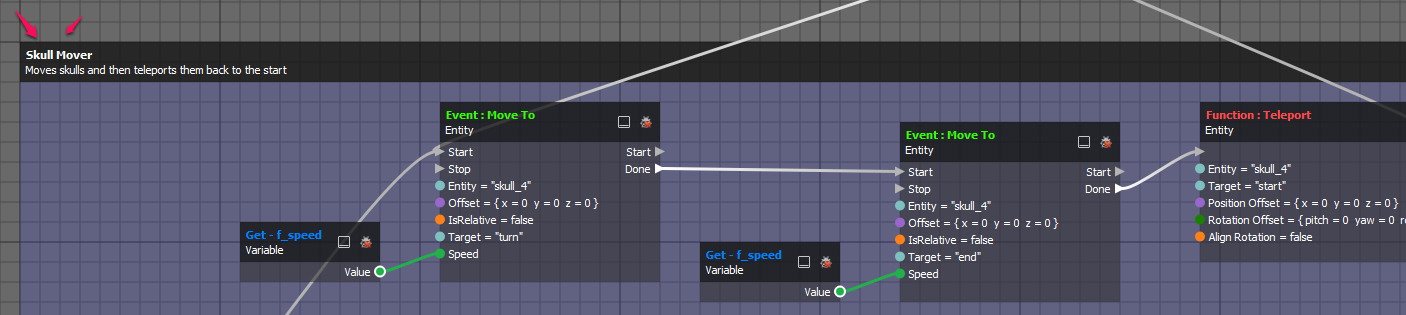
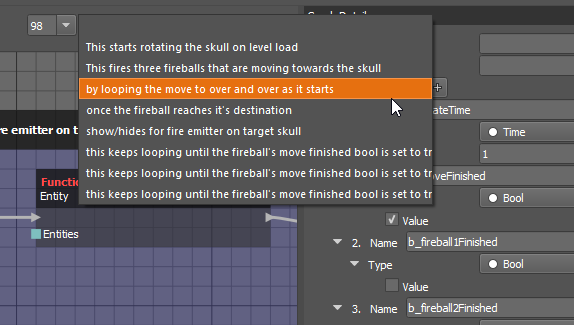
Commenting allows you to organize your graphs and call attention to specific nodes. Double clicking the header selects all nodes within the comment.
Quickly move to a specific graph by selecting it's comment header from a list in the upper right corner of the editor.
Custom Events
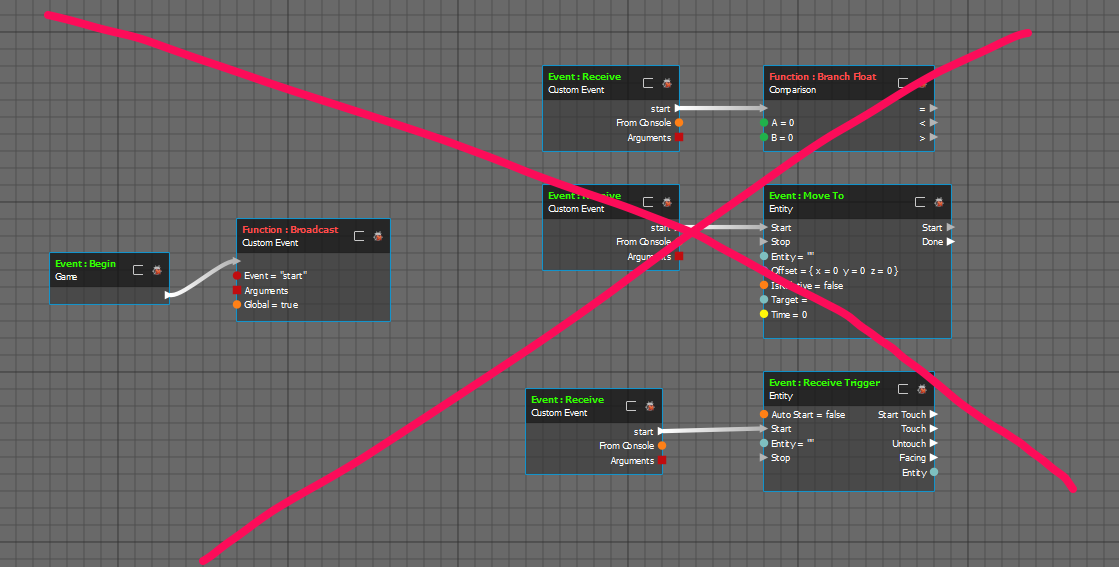
Global Custom Events should have unique names in order to avoid activating multiple event receivers in other graphs. It's easy to quickly name an event "Start" but if you use that multiple times then every receiver listening for "Start" will be fired at the first broadcast, likely causing scripting errors.
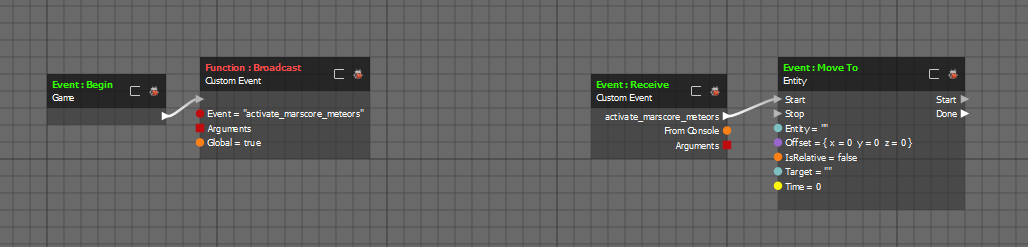
Use the naming convention "verb_location_descriptor" to create unique names that also identify what the event is doing and where in the level it is. See below.
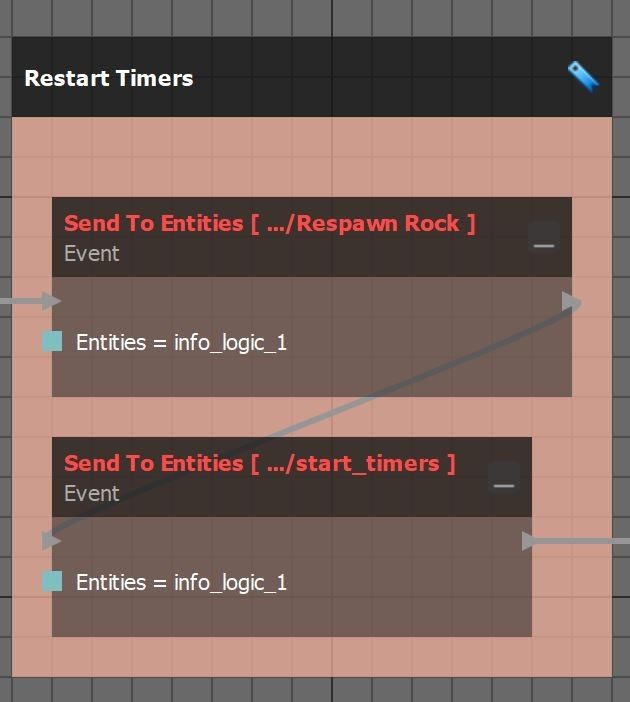
To make the custom event to Broadcast to specific entities in a map or prefab use the "Send To Entites" node. Your logic node is able to be one of the entities being broadcasted to, allowing for local broadcasting. This is especially useful when there are multiple instance of the same prefab in a map.